The following guide will show you how to import email subscriptions via the CleverPush Sync Subscription endpoint using Azure Data Factory (ADF). If a given subscription already exists at CleverPush, it will just be updated with the given data. You can also modify the columns/fields which are sent to the CleverPush API, check out our API docs for more information.
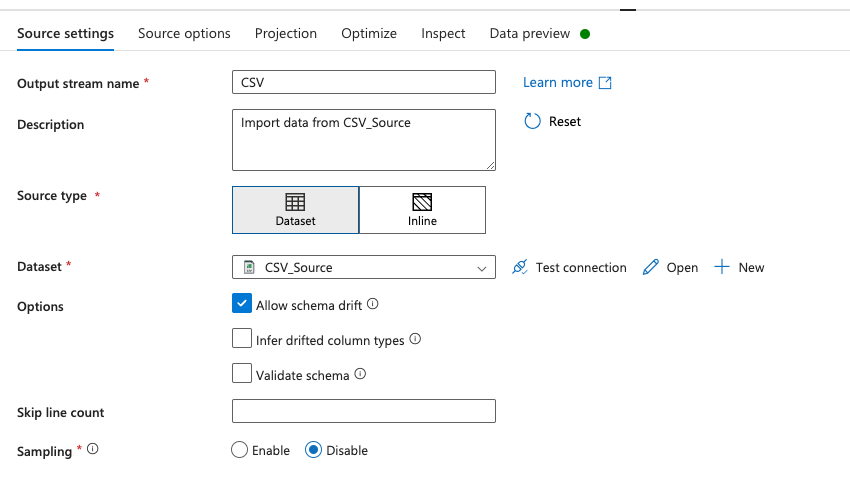
- Create new Dataset for the Source, e.g. CSV (if not already there)
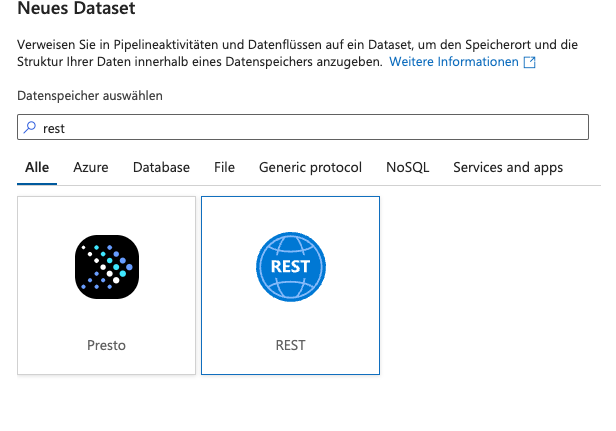
- Create new Dataset for the Target with type REST

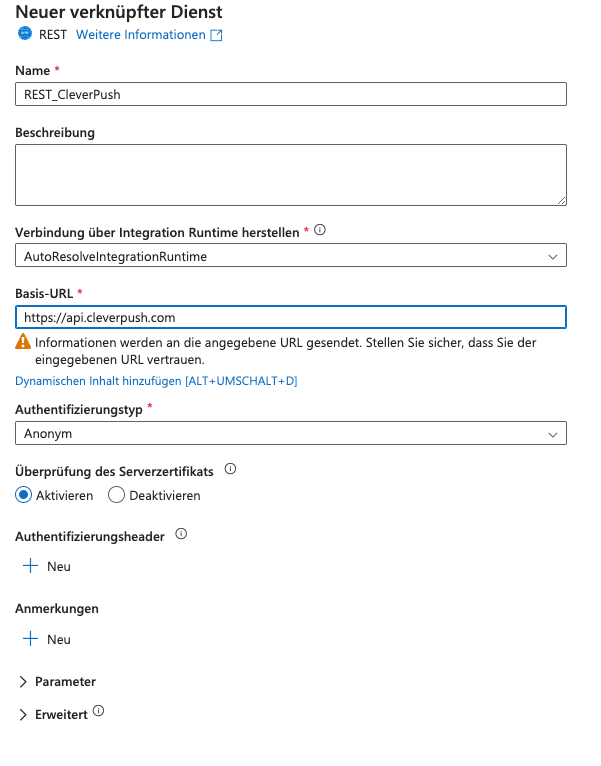
- Configure the REST Service

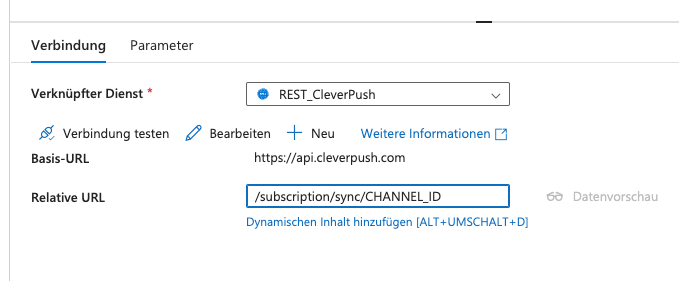
- Set the following Relative URL in the REST Dataset (replace CHANNEL_ID with your CleverPush Channel ID)

- Create a new Data flow and add your existing Dataset as the Source

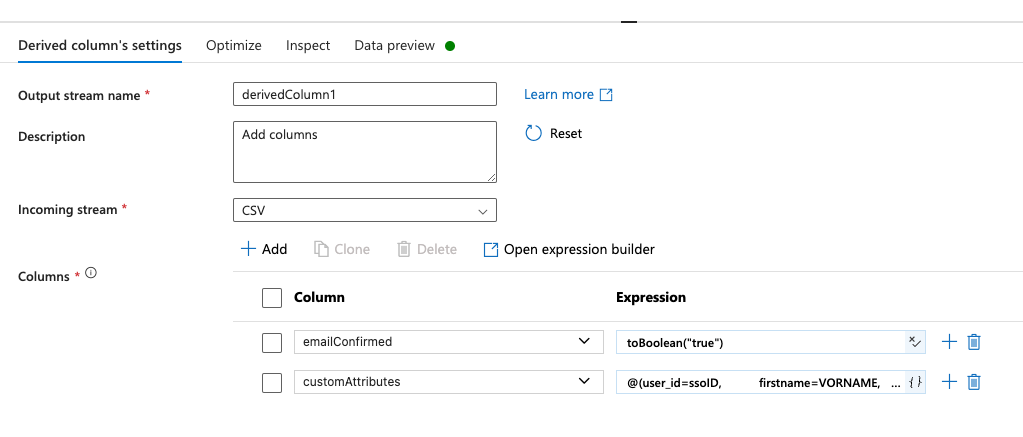
- Add a new Derived column step in the Data flow

- Add the columns as required for your CleverPush API Sync Subscription call
- emailConfirmed can be set to true using the expression
toBoolean("true") - customAttributes can be set with a similar expression like (depending on your column names):
@(user_id=ssoID, firstname=VORNAME, lastname=NAME, gender=ANREDE)
- emailConfirmed can be set to true using the expression
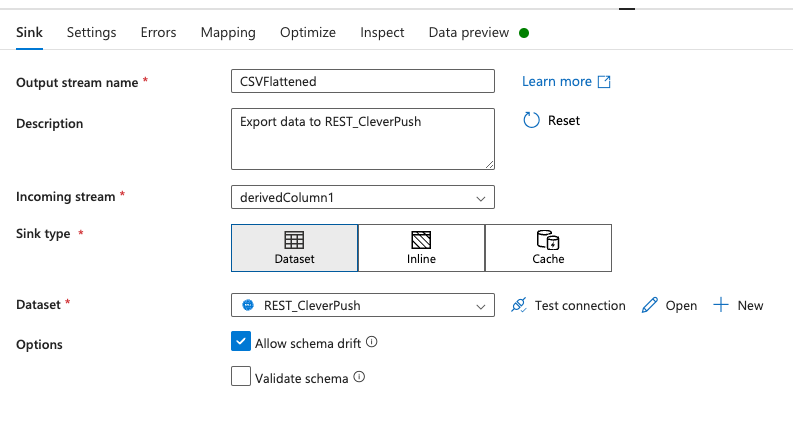
- Add a Sink to your Data flow and select the previously created REST Dataset

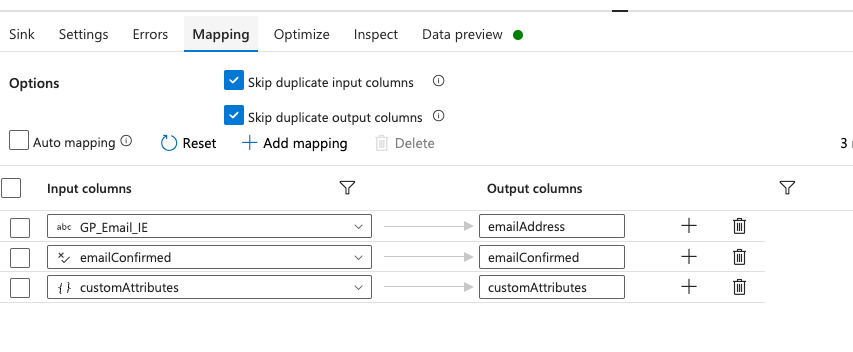
- Under Mapping in the Sink settings configure your columns so they look like this:

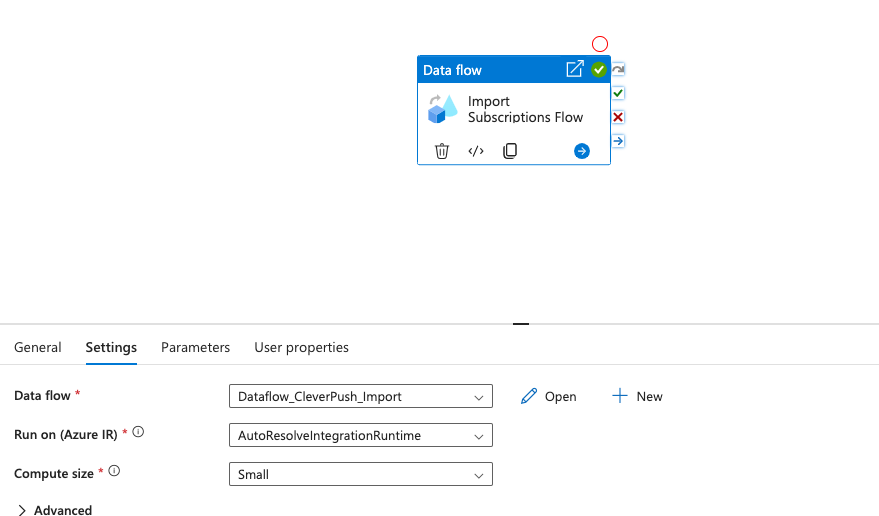
- Create a new Pipeline with a Data flow action, there select your previously created Data flow