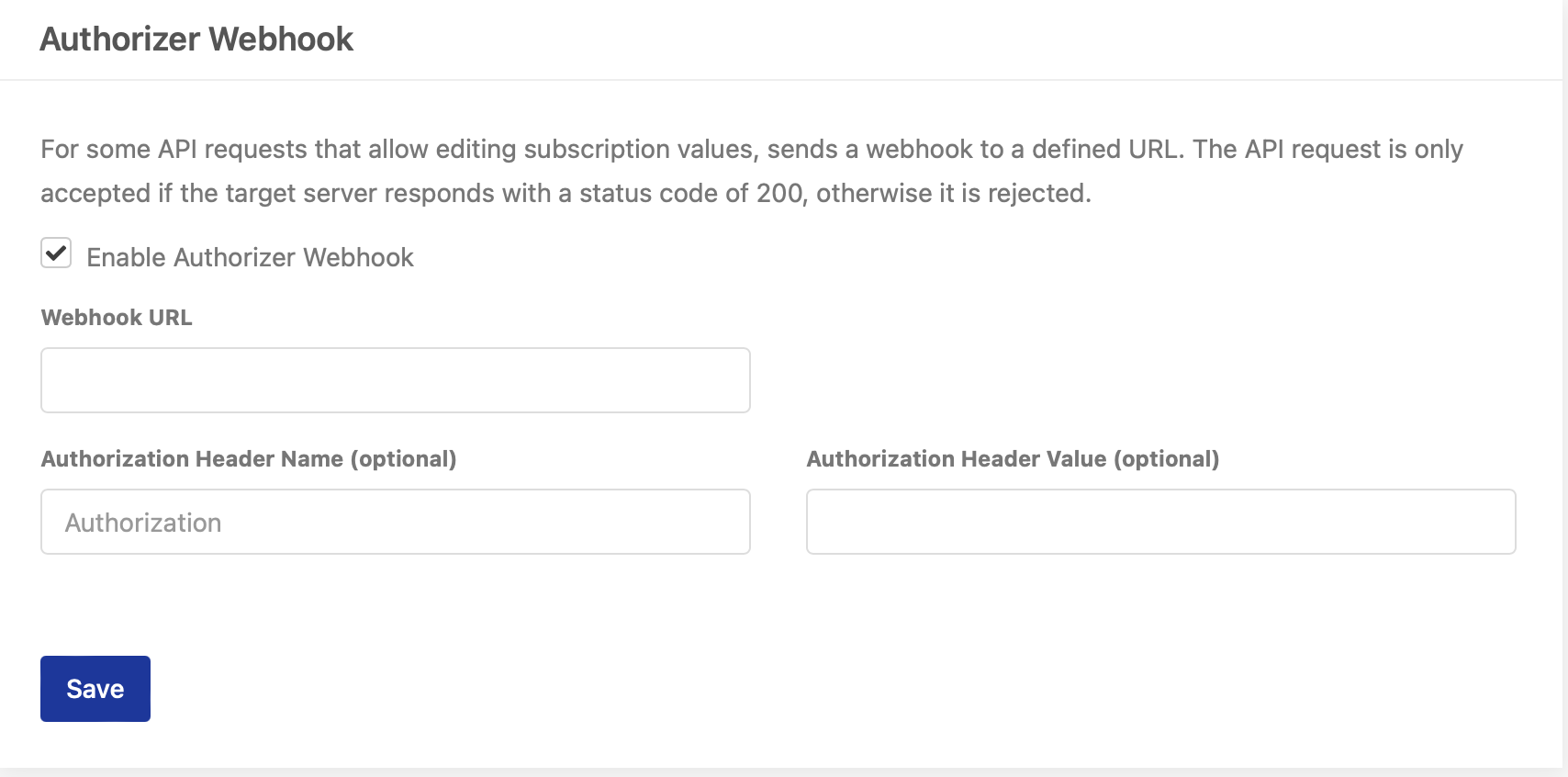
In the CleverPush Channel settings under “Webhooks” you can enable the Authorizer Webhook. For some API requests that allow editing subscription values (attributes, tags, topics), sends a webhook to a defined URL. The API request is only accepted if the target server responds with a status code of 200, otherwise it is rejected.
There is a “setAuthorizerToken” method available in the Client SDKs. This token is passed to CleverPush by the SDK for all API calls.
For each public API route where the Authorizer has been activated, CleverPush will call the Webhook URL you have defined with the “authorizerToken” as well as the “requestPath” and the request body. The customer webhook then either return a 200 or a 403, only with a 200 do we process the request further.
Webhook Request Example:
Headers:
authorization: (can be defined in Webhook settings)
x-subscription-token: (Subscription Token passed by setAuthorizerToken)
Body:
{
  "subscriptionToken": "XYZ",
  "request": {
    "path": "/subscription/attribute",
    "body": {
      "channelId": "XXX",
       "subscriptionId": "XXX",
       "attributeId": "user_id",
       "value": "123"
     }
  }
}