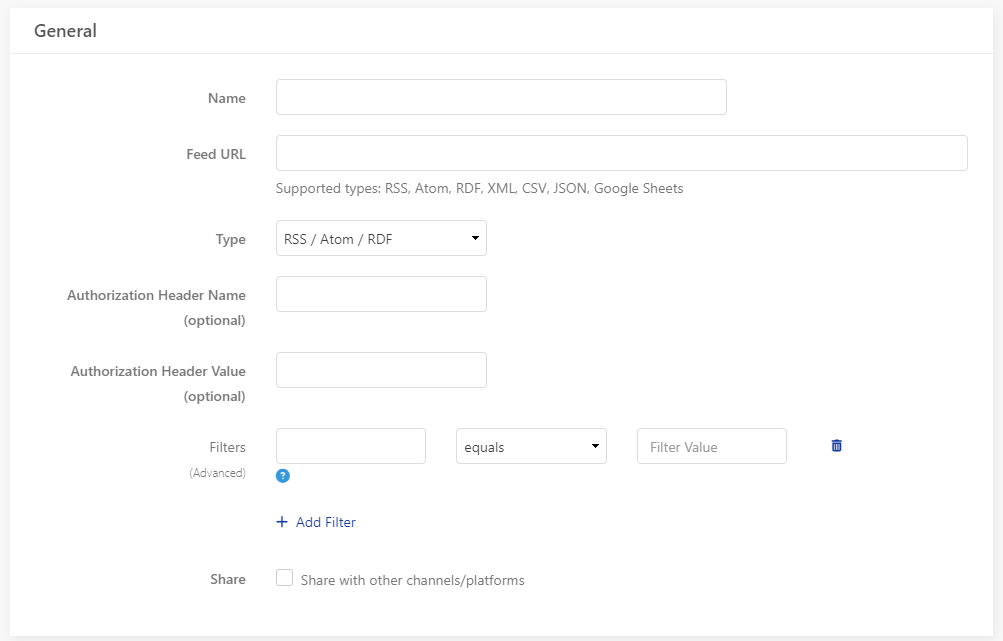
General
- Name – your internal CleverPush name for the feed, can be anything you want
- Feed URL – full URL to access the feed so we can access is
- Type – if its not RSS you can choose your type here
- Authorization – if we need a username and password to access the feed, you can set it up here
- Filters – if not all the content pieces from a feed should be pushed, you can setup filters like “headline contains news”
- Share – one feed can be shared within multiple platforms inside CleverPush
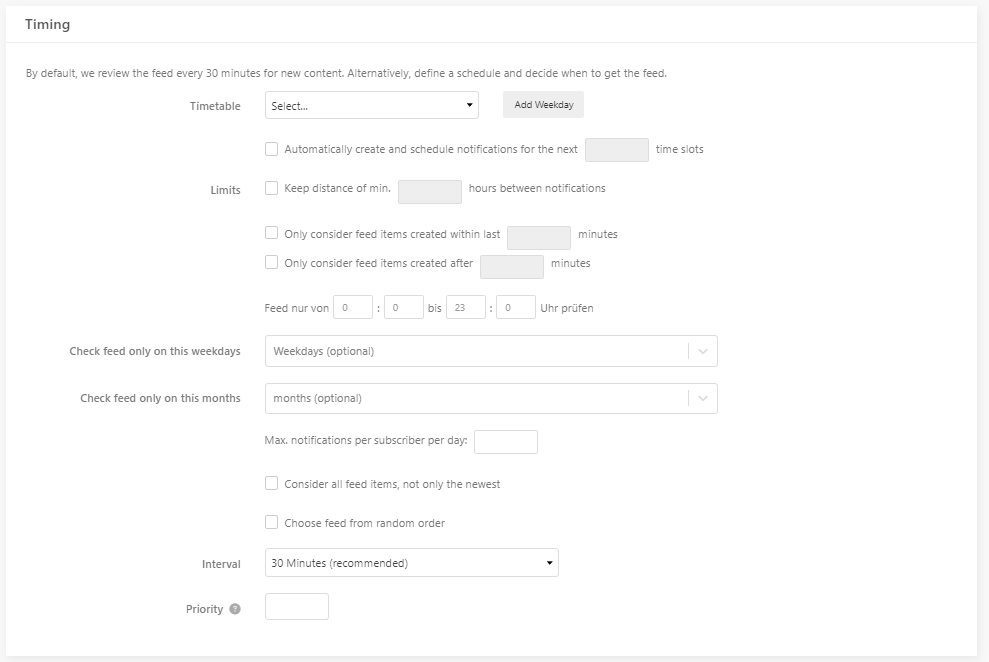
Timing
- Timetable – choose specific times /days when the feed should be checked, without a setting, it will be checked based on the interval
- Limit – choose the time between pushes or how old/new a content piece needs to be
- Priority – if you have more than one feed, the highest priority is checked first

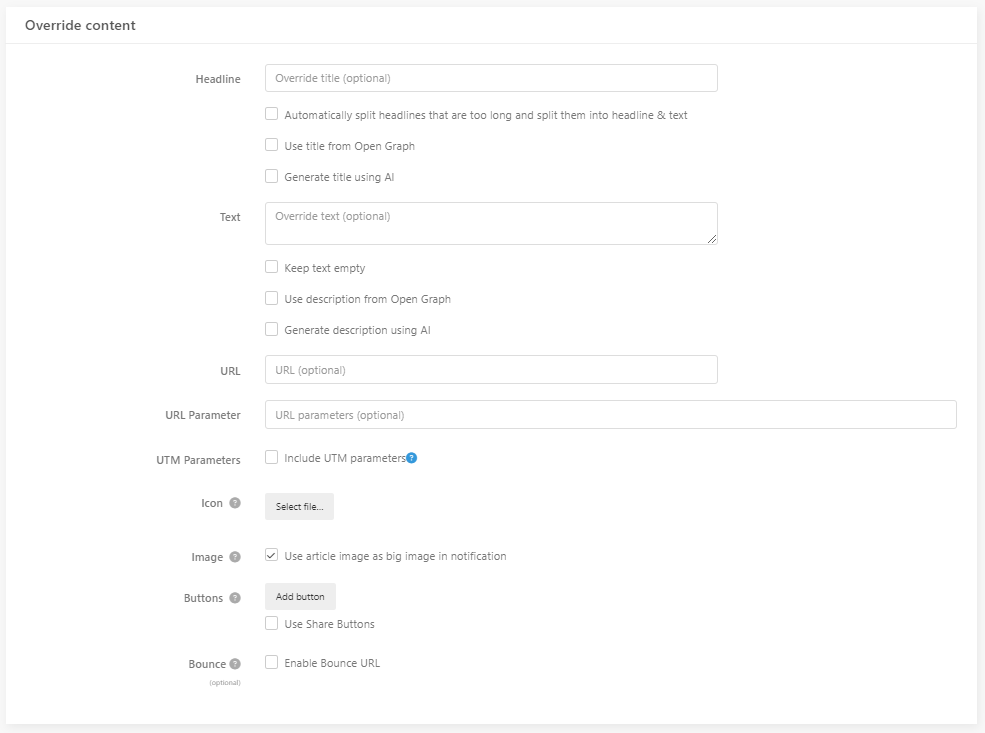
Override Content
- Here you can change the content for the push. For example, every push has “Breaking News” in the headline. We recommend testing how the feed pushes look before turning them live to the full audience.
- Buttons and Bounce URL will take the standard setting if nothing else is setup here
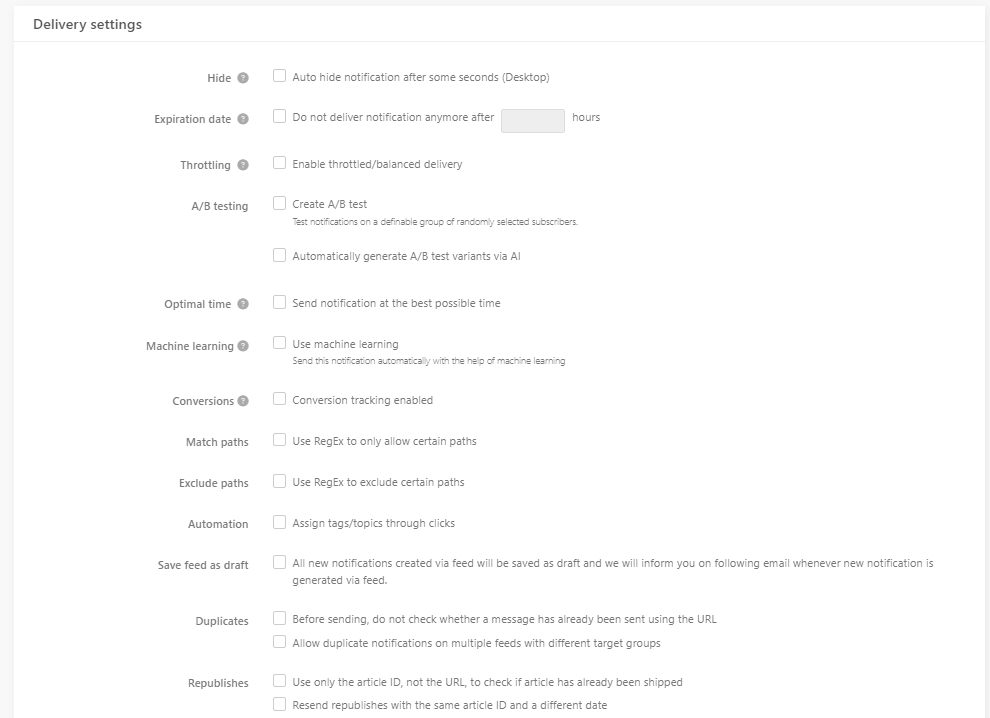
Delivery settings
- Hide – we do not recommend using this, because most people want to click on the push later
- Expiration date /throttling – takes the standard setting from account, only needed if you want something else
- A/B Testing – especially useful with the use of ai, makes most sense for not time critical content
- Optimal time – makes most sense for not time critical content and only one push a day in that feed, please use careful, the data needs to be gathered first
- Machine learning – targeting based on what users clicked in the past, use only if no other targeting is chosen
- Conversions – choose which conversion events you want to track for that feed
- Save feed as draft – pushes are created and need then manual confirmation to be send
- Duplicate/ Republishes – we always check if content was posted in the past
Targeting
- You can use a feed to push all people or a certain target group. We recommend using target groups to increase the click rate. This targeting depends on what you are using in the channel already.